AI directly in Eclipse. Without leaving your workflow.
The AI Chat 2026 Eclipse integration connects your Eclipse workspace bidirectionally with AI Chat 2026. Read, create, edit, and rename files – directly from the AI-powered development workflow.
More than just a chat window.
The Eclipse integration provides AI Chat with the context of your open project and enables a controlled writing path back to the workspace.
Workspace context
AI Chat recognizes the active Eclipse workspace and can specifically request and analyze relevant project files.
Bidirectional Bridge
Eclipse and AI Chat communicate via a local, authenticated duplex connection – not via copy and paste.
Apply changes
Files can be created, modified, and renamed. Conflicts are checked before being written.
Eclipse and AI Chat work together.
The integration connects the open Eclipse workspace directly to AI Chat 2026. Changes are controlled and transferred to the project, then updated in the Eclipse workspace.
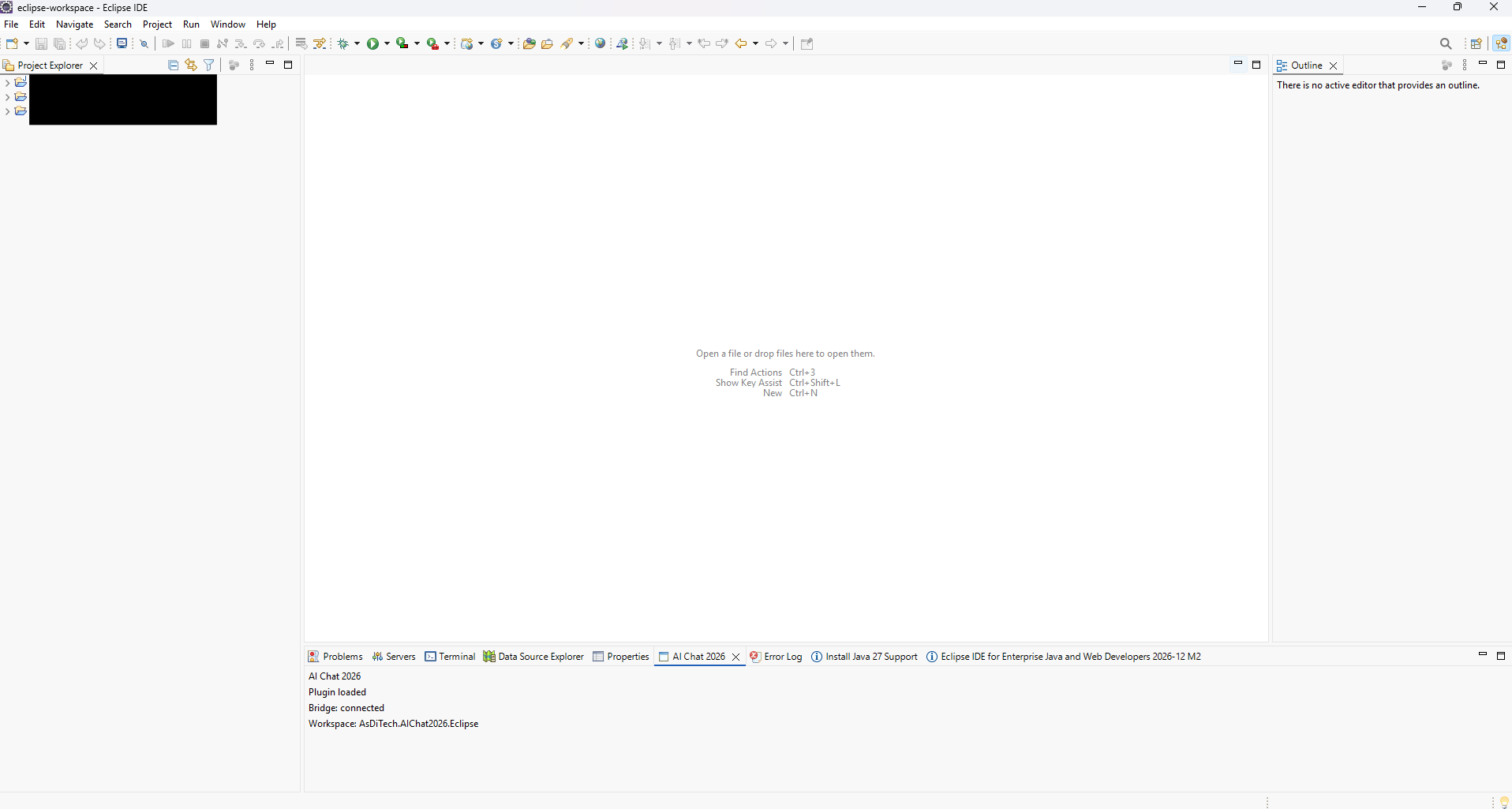
A clear path between IDE and AI.
The integration remains locally controlled. Eclipse provides the workspace, AI Chat orchestrates the AI workflow, and your chosen model handles the actual inference.
Install directly via the Eclipse Marketplace.
The Eclipse integration is provided via the official Eclipse Marketplace. This ensures you receive the approved and signed plugin build.

Controlled integration instead of blind write access.
The IDE integration was not implemented as uncontrolled file access. The plugin, runtime, and session are checked before use.
What you need.
Ready to go in three steps.
AI Chat 2026
Install and activate AI Chat 2026 ProPlus.
Activate license
Activate your Eclipse Integration license in AI Chat 2026.
Marketplace
Install the plugin via the Eclipse Marketplace and restart Eclipse.
Eclipse becomes part of your AI chat workflow.
Install the integration via the Eclipse Marketplace and connect your workspace directly to AI Chat 2026.
 Deutsch
 English