IDE plugins
Find the right plugin for your workflow.
Extend AI Chat 2026 with direct integration into Visual Studio Code or Visual Studio 2026. Use local AI models or supported cloud providers directly with your project.

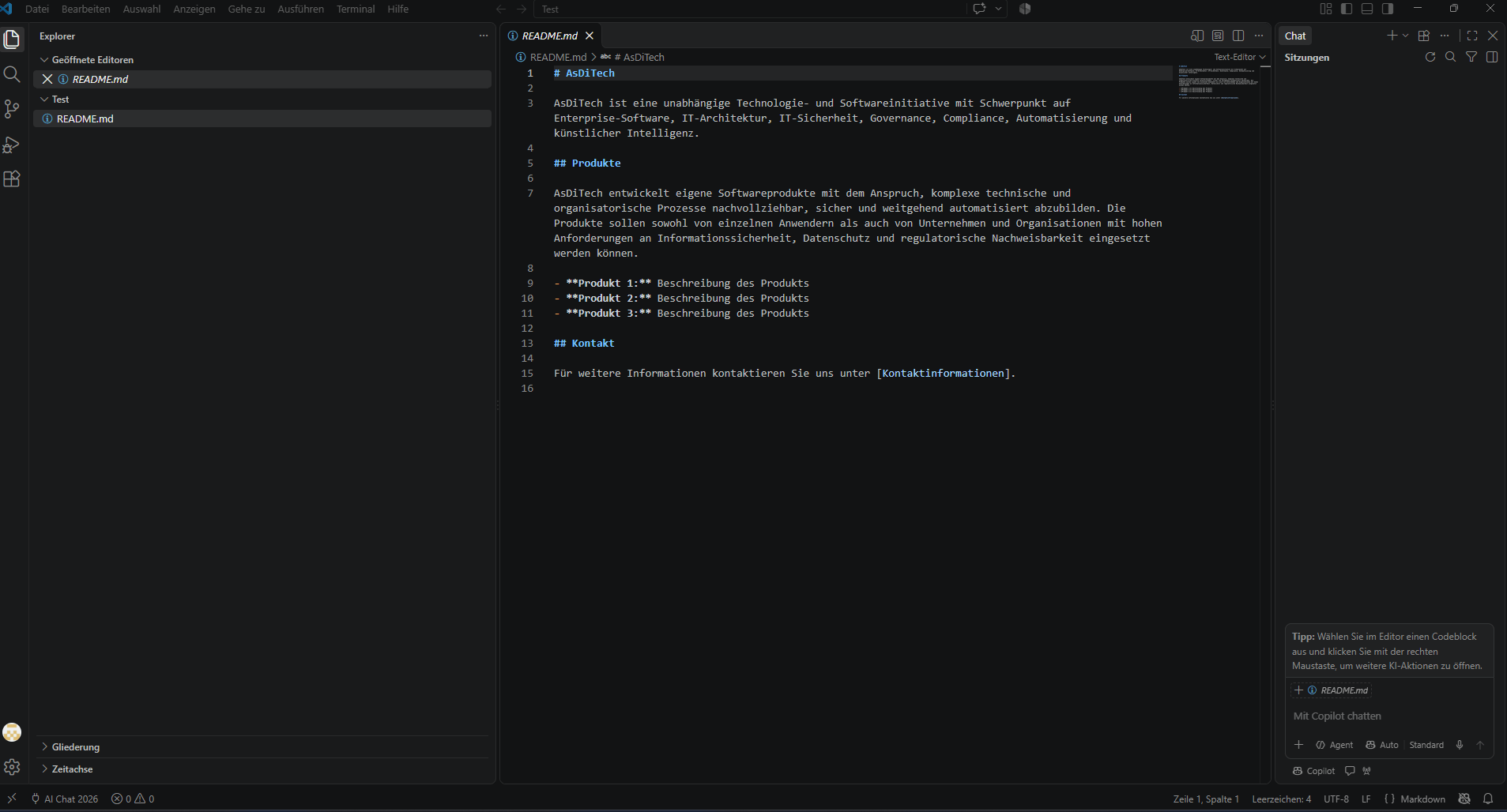
VS Code Plugin
AI support directly in your Visual Studio Code workflow.
Direct integration into Visual Studio Code
Project analysis and structured code changes
Local models and cloud providers
Single license
View details
VS
Visual Studio 2026 Plugin
AI integration for your Visual Studio projects.
Integrated directly into Visual Studio 2026
Project context and controlled changes
Flexible model choice: local or cloud
Single license
View details
Developer Bundle
Both IDE extensions in one package – for maximum flexibility.
VS Code Plugin and Visual Studio 2026 Plugin
Both plugin licenses include
Local models and cloud providers
Plugin comparison
The most important differences at a glance.
| feature | VS Code Plugin | Visual Studio 2026 Plugin | Developer Bundle |
|---|---|---|---|
| Target IDE | Visual Studio Code | Visual Studio 2026 | Both IDEs |
| Required edition | AI Chat 2026 ProPlus | AI Chat 2026 ProPlus | AI Chat 2026 ProPlus |
| Plugin license | VS Code Plugin License | Visual Studio 2026 Plugin License | Both plugin licenses |
| Project analysis | ● Supports | ● Supports | ● Supports |
| Create and modify files | ● Supports | ● Supports | ● Supports |
| Local AI | ● Supports | ● Supports | ● Supports |
| Cloud providers | ● Supports | ● Supports | ● Supports |
Buy once
Perpetual plugin license without subscription.
Direct IDE integration
Work directly with your project and your IDE.
Local or cloud AI
You decide which model processes your code.
 Deutsch
 English