IDE plugin / Visual Studio 2026
Visual Studio 2026 Plugin for AI Chat 2026
Connect Visual Studio 2026 directly with AI Chat 2026 and use project analysis, project context, and structured code changes in your development workflow.
Buy now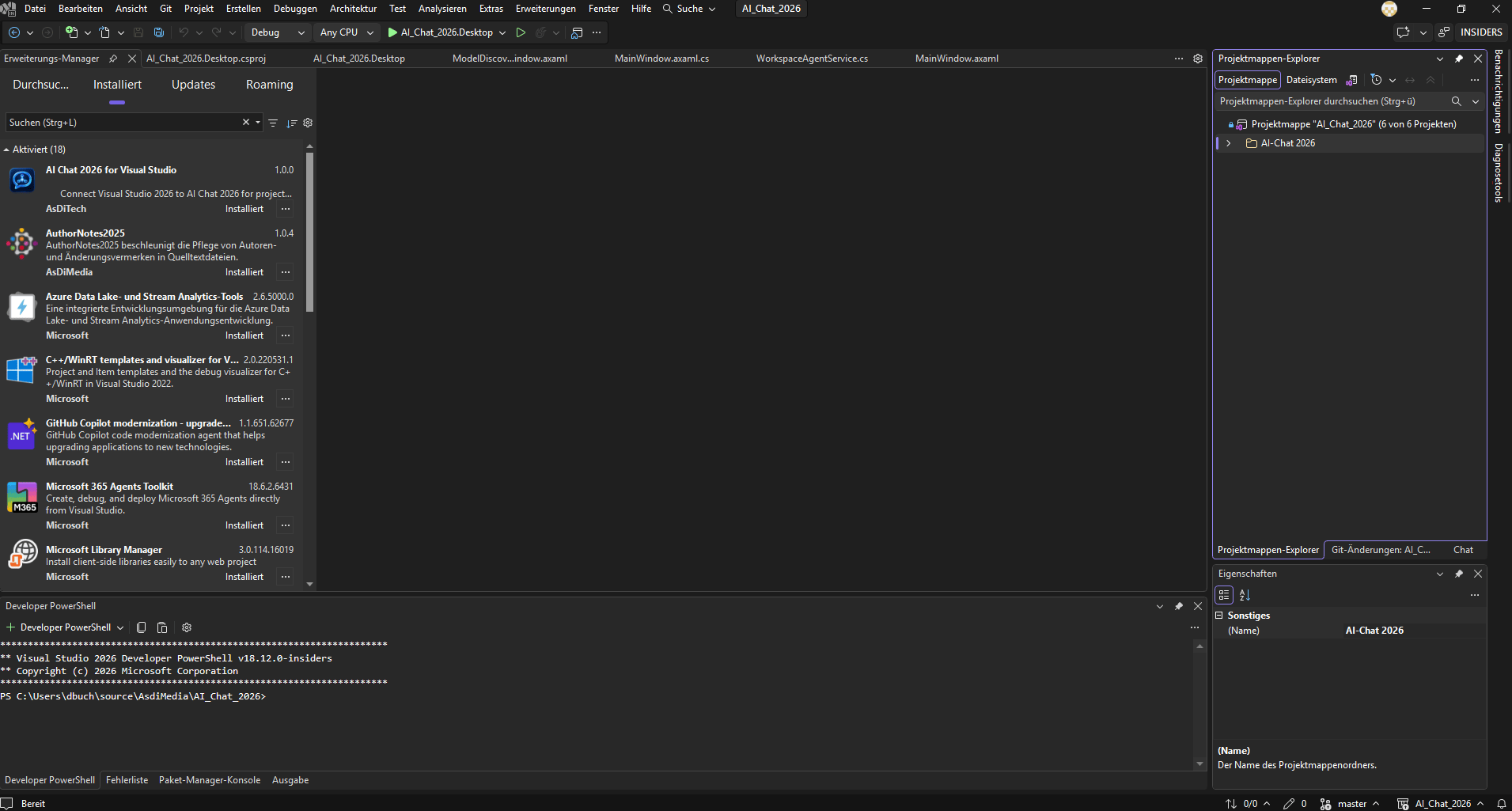
Visual Studio integration
Direct connection between Visual Studio 2026 and AI Chat 2026.
Project context
Include relevant project files and relationships in coding tasks.
Understanding Code
Analyze existing code and understand technical relationships.
Create and modify files
Create new files and projects or modify existing code.
Local AI
Use local models on your own hardware.
Cloud providers
Alternatively, use supported external AI providers.
Workflow
Here's how it works
1. Install the plugin
Install the AI Chat extension in Visual Studio 2026.
2. Connect with AI Chat
The plugin connects to your AI-Chat-2026 installation.
3. Edit project
Analyze projects and implement structured code changes.
Requirements
What you need
AI Chat 2026 ProPlus License
Visual Studio 2026 Plugin License
Visual Studio 2026
Valid registration for AI Chat 2026
Local or supported cloud AI model
Single license
Visual Studio 2026 Plugin
Use AI Chat 2026 directly in your Visual Studio workflow.
View in shop Deutsch
 English