VS Code Plugin for AI Chat 2026
Connect Visual Studio Code directly to AI Chat 2026. Analyze projects, create or modify files, and use local AI models or supported cloud providers.
Buy now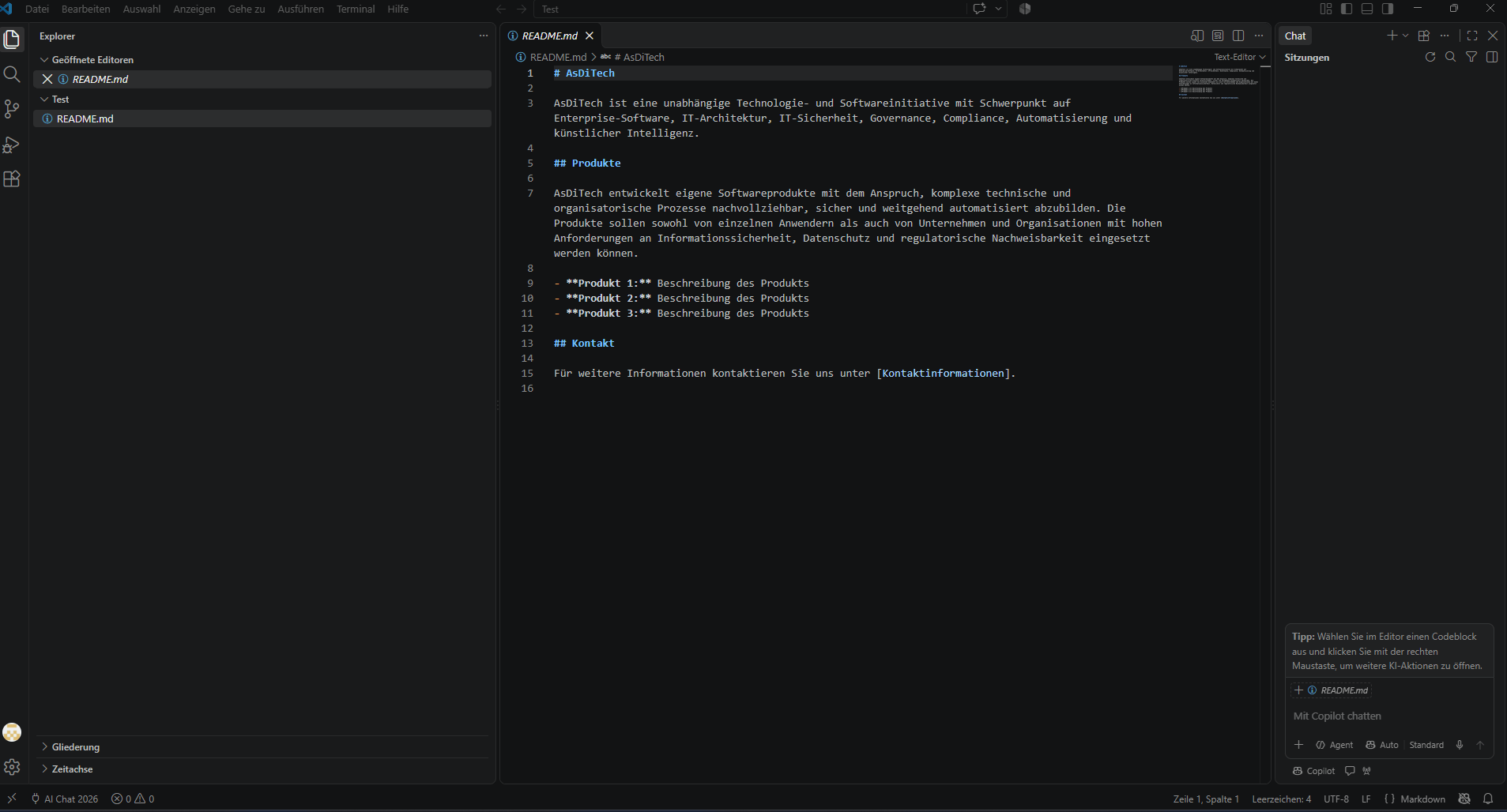
Project analysis
Analyze project structure, files, and relationships in a targeted manner.
Create and modify files
Create new projects and files or edit existing code.
Project RAG
Relevant project information is specifically provided for analysis and coding tasks.
Local AI
Use local models on your own hardware.
Cloud providers
Alternatively, use the cloud providers supported by AI Chat 2026.
Controlled changes
Changes are prepared in a structured manner and implemented in a controlled manner.
Here's how it works
1. Install the plugin
Install the VS Code plugin and connect it to AI Chat 2026.
2. Analyze the project
AI Chat receives the relevant workspace context.
3. Accept changes
Code changes are incorporated into your project in a structured manner.
What you need
VS Code Plugin
Extend your VS Code workflow with the coding and project features of AI Chat 2026.
View in shop Deutsch
 English