AI Chat 2026 in Action
Real-world use cases for local AI, development teams, documents, projects, hybrid workflows and controlled AI infrastructures.
Local AI
Use models directly locally – without cloud requirements.
For developers
Repositories, code, projects, and technical analyses.
Documents & Knowledge
PDFs, Word files, ZIPs and project knowledge all in one place.
Hybrid usable
Flexibly combine local models and external providers.
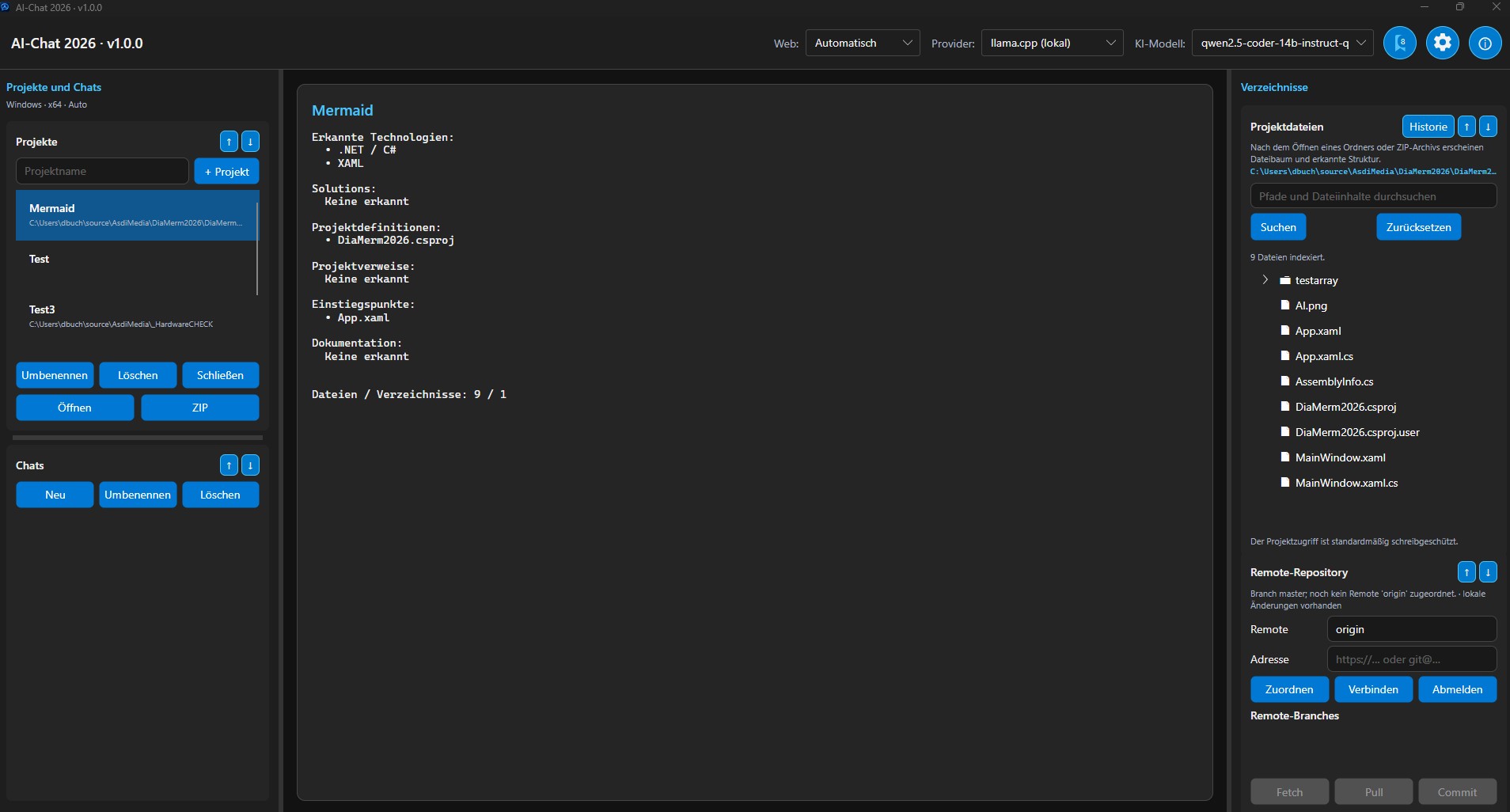
Local AI directly on the developer's PC
AI Chat 2026 can be used directly on your own computer. Models, project files, knowledge, and chats remain under your control.
Typical setup
- Local model directly on the workstation computer
- Project files are embedded locally.
- Analysis of real project structures
- Optional additional cloud providers
Advantages
- No cloud requirement
- Direct data control
- Project context directly in AI Chat 2026
- Ideal for developers and power users
 Enlarge
A strong model. Many jobs.
Computing power remains centralized – AI Chat 2026 runs on users' workstations.
Powerful local AI server, lightweight user clients
A powerful local AI server can provide large models for multiple users. This eliminates the need for all developers or employees to own their own high-end hardware.
Typical setup
- Central AI machine or local power server
- Large model on the server
- Normal work computers as user clients
- Use within your own network or via VPN
Advantages
- Large models without high-end hardware at every workstation
- Central Resource and Model Control
- Local data storage
- Ideal for development teams and controlled environments
Documents, project knowledge and files in one place
AI Chat 2026 is not just chat. Documents can be directly integrated into the work context and analyzed with a local or external model.
Typical use
- PDF and Word analysis
- ZIP import and project structure analysis
- Evaluate document content directly in the chat
- Reuse project-related context
Advantages
- Fewer tool changes
- Documents directly in the AI workflow
- Rapid analysis of extensive content
- Suitable for technical and professional work
 Enlarge
 Enlarge
For developer workflows and repository work
With Pro Plus, AI Chat will become the technical working environment for developers, projects, repositories and coding tasks in 2026.
Typical use
- Repository analysis
- Understanding project and solution structures
- Code creation and code changes
- GitHub, GitLab and Bitbucket support
Advantages
- Better understanding of complex projects
- Repository context directly available
- Support with analysis and implementation
- Ideal for advanced developer workflows
Find the right setup for your workflow
Whether local standalone workstation, central AI server or professional development environment: AI Chat 2026 adapts to your deployment scenario.
AI Chat 2026 in 4 easy steps
Experience the complete introduction to AI Chat 2026 in four short videos: download, installation of the light version, registration and the first use of a local AI model.
Download AI Chat 2026
Learn how to access the download area and download AI Chat 2026 to your computer.
Install the light version
Install AI Chat 2026 Light and prepare the application for first launch.
Register your version
Register and activate your installation so that AI Chat 2026 is fully ready for use.
Install and use a local AI model
Install a local AI model, configure it in AI Chat 2026 and start your first local AI chat.
 Deutsch
 English